Add your card to Google Pay and tap to pay.
Add a CardVault Visa to an Android phone or Wear OS watch and tap to pay — in shops, in apps, and on the web.
Issue a card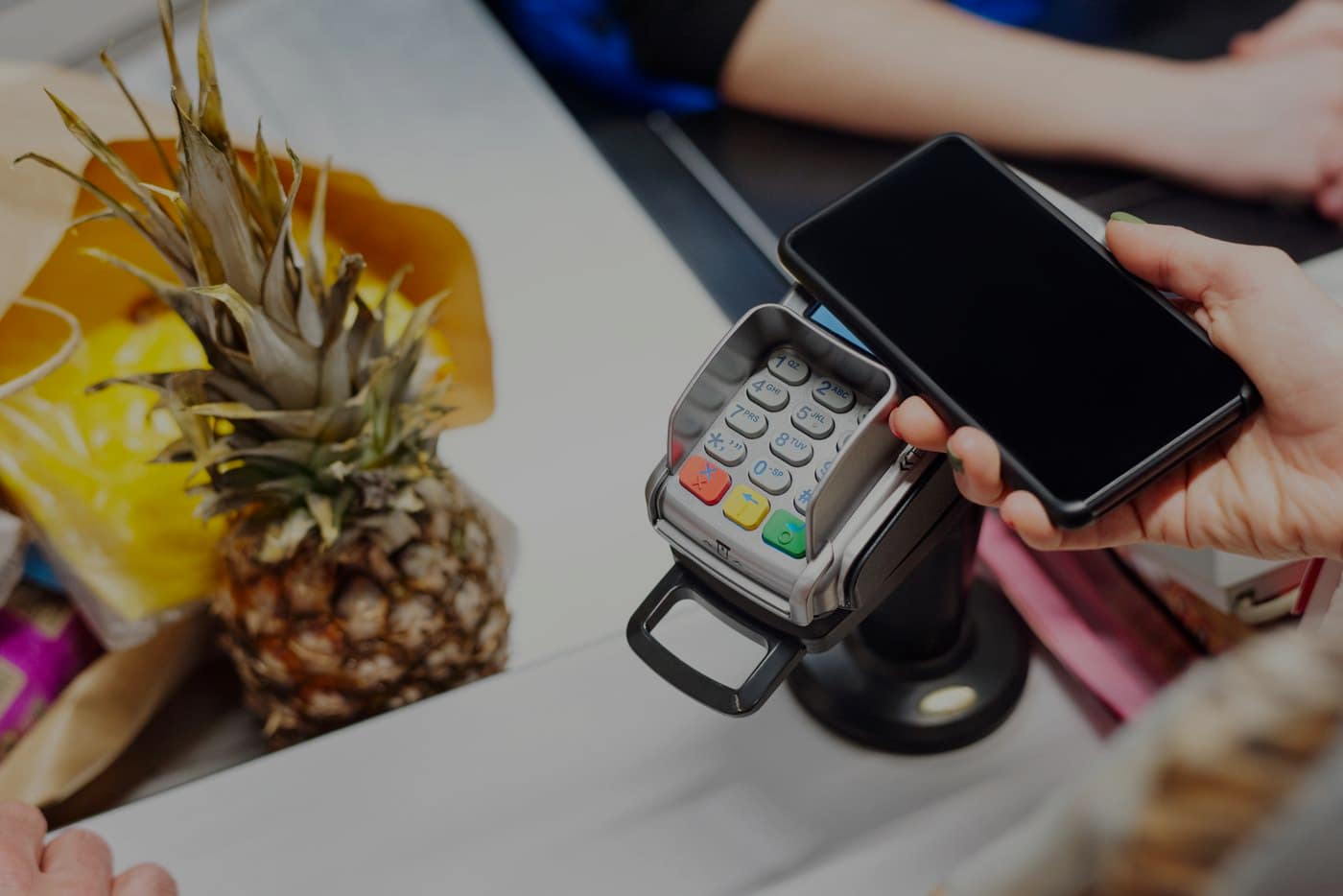
Where Google Pay works
In shops
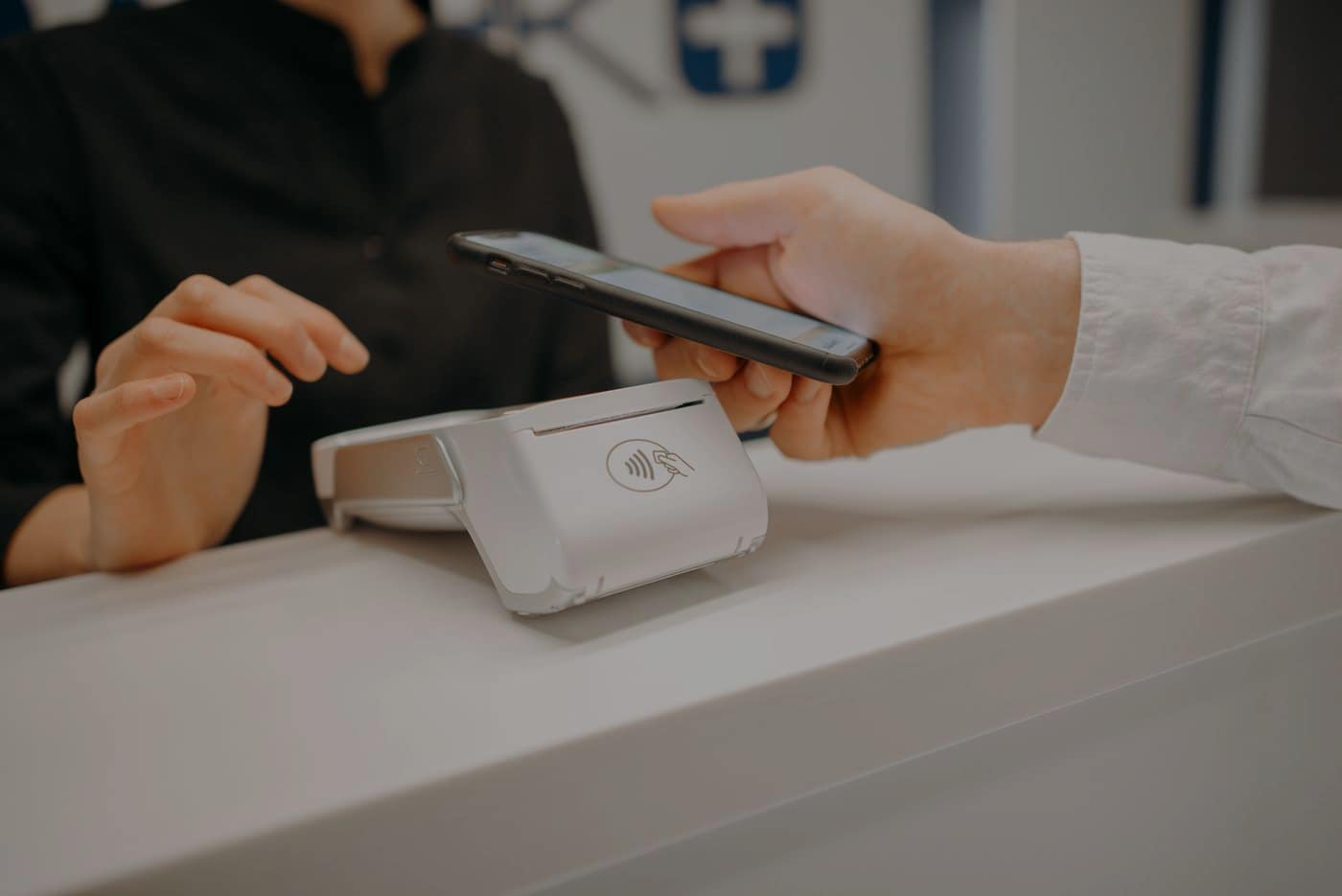
Tap any contactless terminal that takes Visa.
In apps
Choose Google Pay at checkout instead of typing a card number.
On the web
Pay in Chrome without filling in a card form.
Adding the card
Open Google Wallet
Or the Google Pay app, on the Android phone you want to pay with.
Tap the plus
Choose “New Card”
Tap “Enter card details manually”
Type the card in
The number, expiry date and CVV, from the card in your CardVault dashboard.
Add the name and billing address, then save
Only if it asks. Use the ones the card was created with.
Verify, if asked
Google may send a code by text message or email. Enter it.
Done
The card shows as ready to use.
What you get
The number stays hidden
Google Pay hands the shop a virtual number, not the number on your card.
Your screen lock confirms it
Payments are confirmed on the device before they go anywhere.
The same limit
The card still spends only its balance, whether you tap it or type it in.